

Chapter 2 Getting Started with the Repository
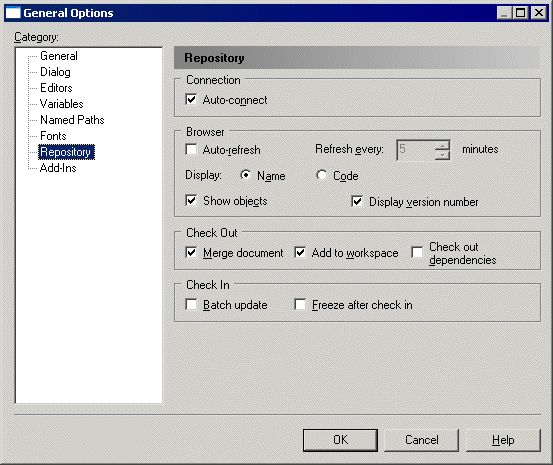
You can specify that you want automatically to connect to a repository each time you open PowerDesigner. The default repository to which you will connect is the last repository to which you connected successfully.
For more information about general options, see "Customizing your Modeling Environment" section in the Models chapter of the Core Features Guide .
 To automatically connect to the repository:
| Copyright (C) 2008. Sybase Inc. All rights reserved. |
| |