Many of the icons in the InfoMaker® user interface have been updated, and the new icons are available for use in your applications.
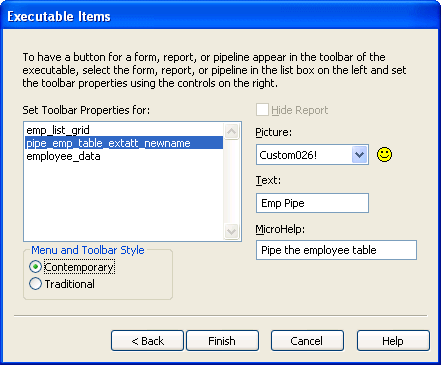
When you build an application in the Library painter, you can choose to use the traditional style for menus and toolbars or the new contemporary style. You select the style on the Executable Items page in the Create Executable wizard.
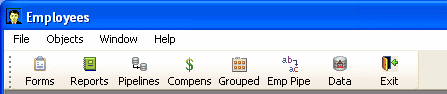
The contemporary style looks like this: