

Chapter 3 Working with Repository Documents
Creating a configuration
If you have the Manage Configurations right, you can create configurations.
 To create a configuration:
- Select Repository→Configurations to open the List of Configurations (or right-click a folder or a project and select Create Configuration to open the configuration property sheet).
- [list of configurations only] Click the Add a Row tool and then click the Properties tool to open its property sheet.
- Enter an appropriate Name, Code, and Comment to describe the configuration.
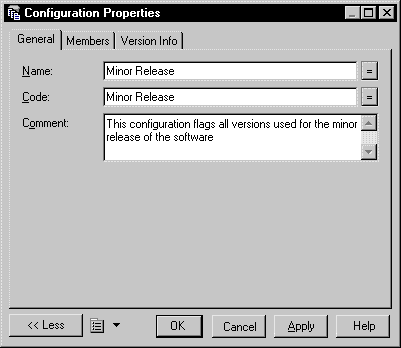
- Click the Members tab to add document versions to the configuration (see Managing configuration members).
- Click OK to return to the List of Configurations or to close the configuration property sheet.
|
Copyright (C) 2008. Sybase Inc. All rights reserved.
|
|