

Chapter 3 Working with Repository Documents
Creating a folder
You can create a folder from the Repository tab of the Browser.
 To create a folder:
- In the Repository tab of the Browser, right-click the root node, a project or a folder in which you want to create the folder, and select New→Folder.
The property sheet for the new folder opens:
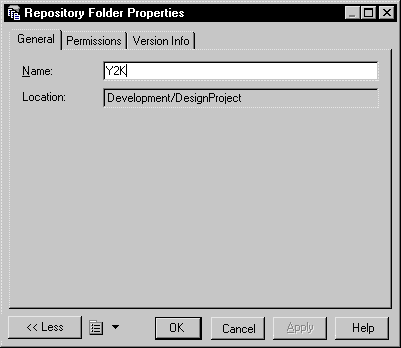
- Enter a name for the folder. The name must be unique at this level in the repository.
- Click the Permissions tab, and add permissions for all appropriate users and groups. All documents checked in in this folder will inherit these permissions. For more information about permissions, see "Controlling Permissions for Repository Items" in the Repository Administration chapter.
- Click OK to complete the creation of the folder.
|
Copyright (C) 2008. Sybase Inc. All rights reserved.
|
|