

Chapter 5 Browsing the Repository via the Web
Creating a branch
If you have the Manage Branches right, you can create branches on the Branches screen.
 To create a branch:
- Click the Branches tab to display the List of Branches:
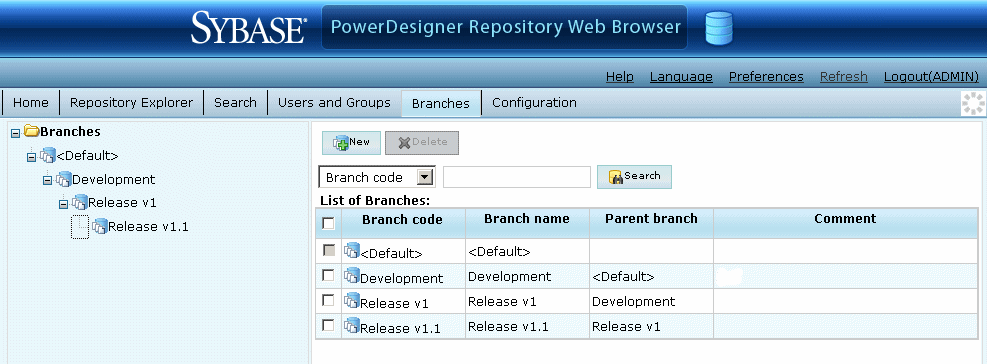
- Click the New button, select the existing branch under which you want to create the branch in the Parent branch list, and enter a branch name and code.
- Click the Save button to save your changes and return to the list of branches.
|
Copyright (C) 2008. Sybase Inc. All rights reserved.
|
|