

Chapter 5 Browsing the Repository via the Web
Adding a member to a group from the member's property sheet
You can add a user or a group to a group from the prospective member's property sheet. When the member is added to the group he will benefit from the rights associated with that group.
 To add a member to a group from the member's property sheet:
- Click the Users and Groups tab, select Users or Groups on the left of the screen, and click the appropriate entry in the list to go to its property sheet.
- Click the Groups tab to display the list of available groups and the list of groups to which the user or group belongs:
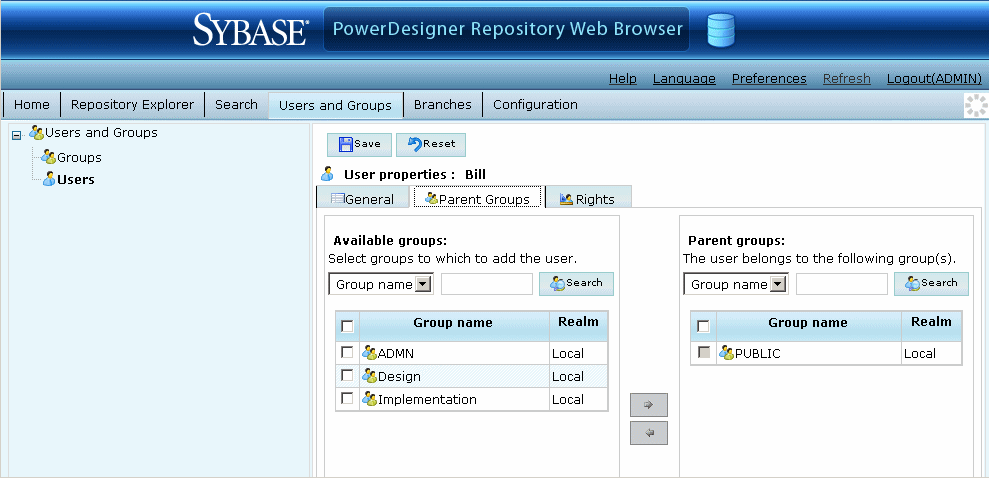
- Select one or more groups from the Available groups list, and then click the right-pointing arrow to join them and move them to the Parent groups list.
- Click the Save button to save your changes and return to the list of users or groups.
|
Copyright (C) 2008. Sybase Inc. All rights reserved.
|
|