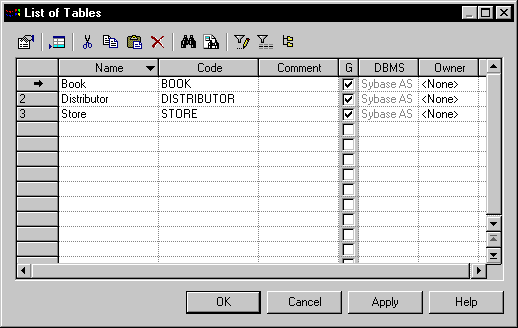
To generate test data for a column, you must associate a test data profile to it.
You can assign a data profile to a column by :
- Selecting it in the Profile list on the Detail tab of a column's property sheet (see Column Property Sheet Detail Tab)
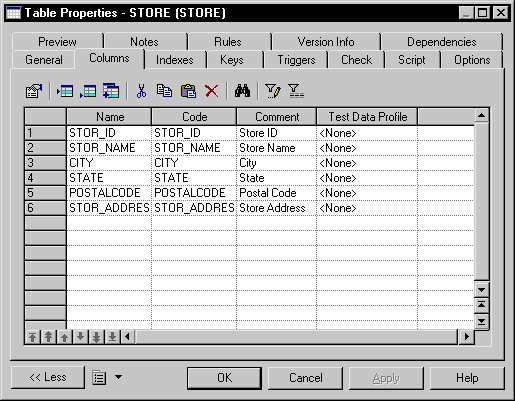
- Selecting it in the Test Data Profile column on the Columns tab of a table property sheet or on the List of Columns available under the Model menu.
If you use domains to control the data types of your columns, you can assign a test data profile to a domain by selecting it in the Profile list on the General tab of the domain's property sheet (see Domain Properties), and it will be applied to all the columns using the domain.
If you are intending to assign profiles to multiple columns, on the Columns tab of a table or on the List of Columns available under the Model menu.