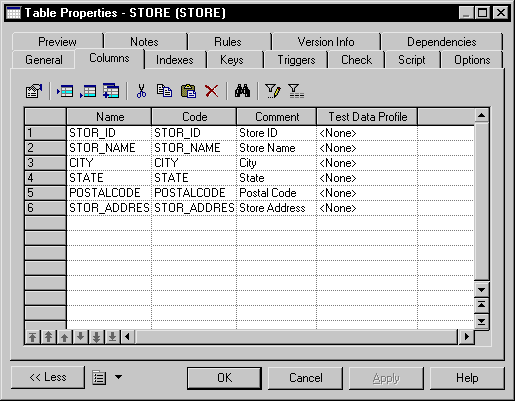
You assign a data profile from the list of columns as follows:
Select Model
> Columns.
The List of Columns is displayed.
Select a column in the list.
Select a test data profile from the dropdown list box.
Note:
If you do not see the column you need, display it with the Customize Columns and Filter tool. For details, see "Customizing object list columns and filtering lists" section in the Objets chapter of the Core Features Guide.