Once you have created a role, you can assign users to it.
-
Select to open the List of Roles.
-
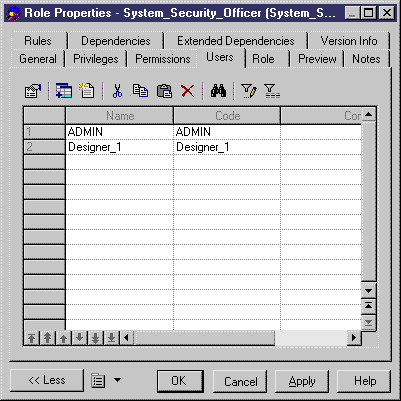
Select a role in the list, click the Properties tool to open its property sheet and then click the Users tab.
-
Click the Add Objects tool to open a selection box listing the users available in the model.
-
Select one or more users and click OK to assign these users to the role.
-
Click OK.